
Note Taking in Runtime Configuration
How I Use Runtime Configuration Files as a Substitute for Notes
How many developers have a notepad chock full of technical notes that they know they’ll need later? And how quickly does it fill up? And how often do you review it and clean out the old information?
Mine used to be full of things like IP addresses, command snippets, command output, URLs, and even some JSON. While the approach I’m going to outline doesn’t fix all these problems, it should fix many of them.
Runtime Configuration
Depending on how experienced you are as a developer, you may not be aware of the runtime configuration file on your Unix operating system ( ~/.zshrc on some Linux distros, ~/.bashrc on others, and ~/.profile on Mac). This file can be used to alias commands and export variables for re-use in your terminal. I’ve typically only seen engineers venture into this file when it’s necessary, or when it’s called for during installation of some software they’d like to use. They follow the steps verbatim in the instructions and ignore the file altogether afterwards. However, even seasoned engineers can neglect the note taking power inherent in the runtime configuration file.
An Toy Example
Let’s say that you’re going to be working on a server for the next few weeks and the IP address of this server isn’t going to change during that time. Some developers might write this down in a notepad or sticky note and type it out, or retrieve it from the command line history whenever they need to ssh to this server. The problem is, you may have many terminal windows open, polluting the history. Or, your laptop reboots for security patches before you saved the scratch file. Or, you got pulled into another project for a few days and the commands used in this other project have polluted your command line history. Or, the janitor throws the sticky note away. Or, you misplace the text file, or worse you’ve deleted it. These are all reasons to take advantage of the runtime configuration file for note taking.
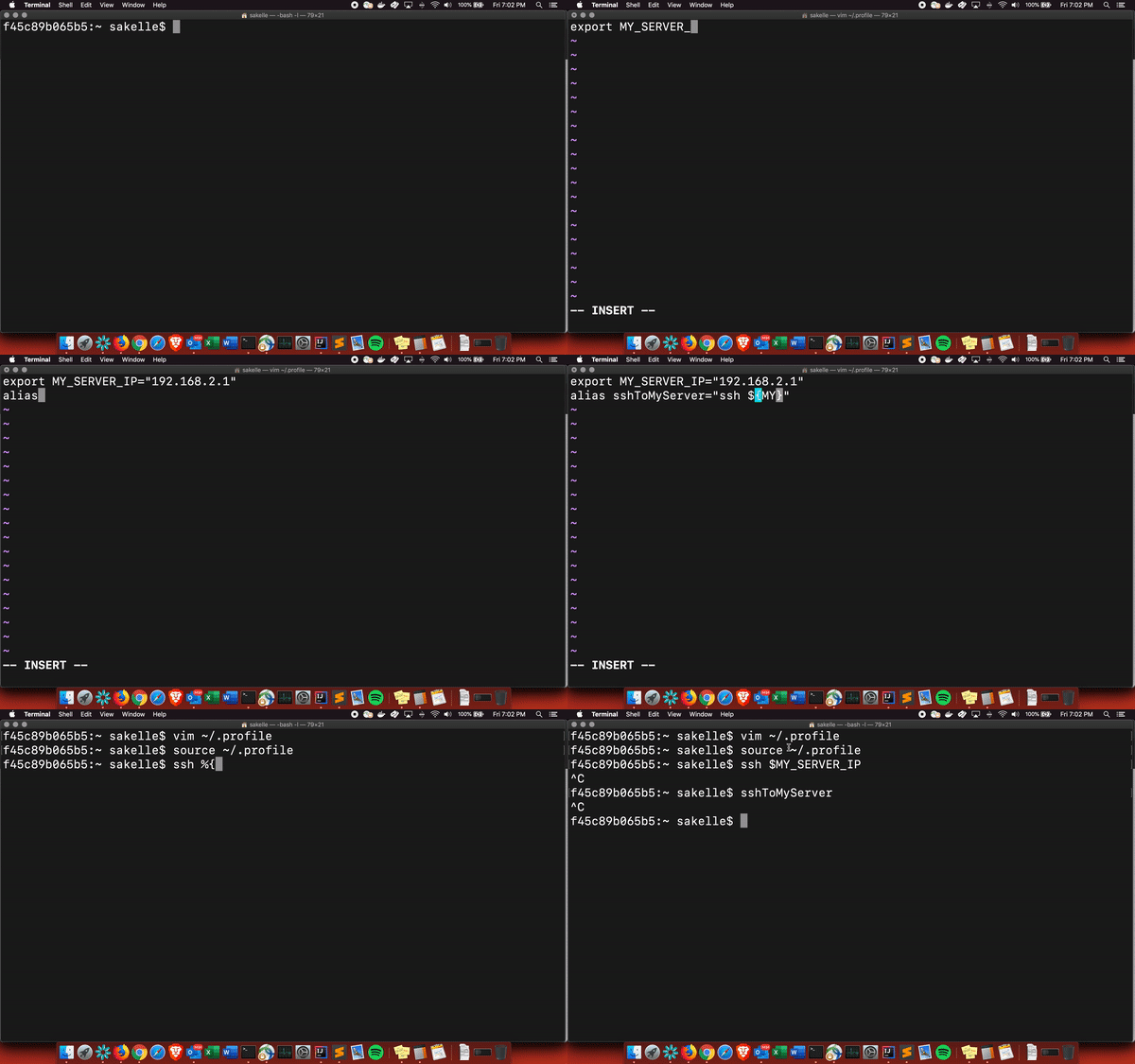
Rather than writing the IP address down somewhere, store it as a variable so it can be easily referenced in the future.
export MY_SERVER_IP_ADDRESS="192.168.1.1"
After sourcing the runtime config file, I can now easily ssh to this server.
ssh $MY_SERVER_IP_ADDRESS
Note that even if I may have forgotten the name of the variable, I still know it can be found in the runtime config file, rather than trying to remember where my sticky note was or which text file, or where in the giant cluttered text file this IP address was, or even which of the IP addresses in the cluttered text file is the one for this particular server. Not only am I getting note taking, I’m getting a variable name, a comment above it if I want, and the ability to reference it in any future commands or aliases. For example:
alias sshToMyServer="ssh ${MY_SERVER_IP_ADDRESS}"
Note, that this is a trivial example of something that can be saved to a runtime configuration file. But, this approach can be used for all manner of technical notes: commands, URLs, identifiers, shell scripts, etc. Any time I reach for a sticky note or text file I immediately question whether the runtime configuration file can be leveraged to store this information instead. You’d be surprised how many things can go there. So next time you reach for a sticky note, reach for a runtime config instead.
Addendum
Sadly, as is often the case with engineers, many missed the forrest from the trees. Upon posting this to Medium I got many responses along the lines of “if anyone doesn’t know about these files already they aren’t an engineer”, or “why not use ~/.ssh/config?”. I even had one person quibble about using the term “Runtime Configuration”. One day I intend to write a post about how this attitude drives people from sharing knowledge and hinders the growth of the individuals making them. But, I digress. The point of this post is not to teach you about the ~/.zshrc file or how to alias commands or export variables but rather to ask you to consider using the file more broadly for taking notes and not only to alias commands or export variables. Perhaps it is my fault for using such a basic example, if I could go back, I probably would’ve added a comment above the export with some sort of made up example explaining the business use case of this server and a link to a design document or email and then pointed out that I’m not using this file simply to export the IP address. However, given this post has already been published I don’t intend to go back and edit it post hoc.